
Mech Key Test Instantly test your webcam, microphone, keyboard, and mouse directly from your browser. Precise, trustworthy, and completely free.
 FREE TOOL
 FREE TOOL
 FREE TOOL
 FREE TOOL
 FREE TOOLFREE TOOLFREE TOOLFREE TOOLFREE TOOLFREE TOOLFREE TOOLFREE TOOLFREE TOOLFREE TOOLFREE TOOLFREE TOOLFREE TOOLFREE TOOLFREE TOOLFREE TOOL
Six free browser tools for hardware verification and troubleshooting — no installs, no accounts.
Test your webcam with live preview, resolution detection, FPS counter, and snapshot capture.
Test your microphone with real-time audio waveform, volume meter, recording, and playback.
Test your speakers with left/right channel test, stereo sweep, and frequency tones.
Test every key on your keyboard with a visual interactive layout and multi-key detection.
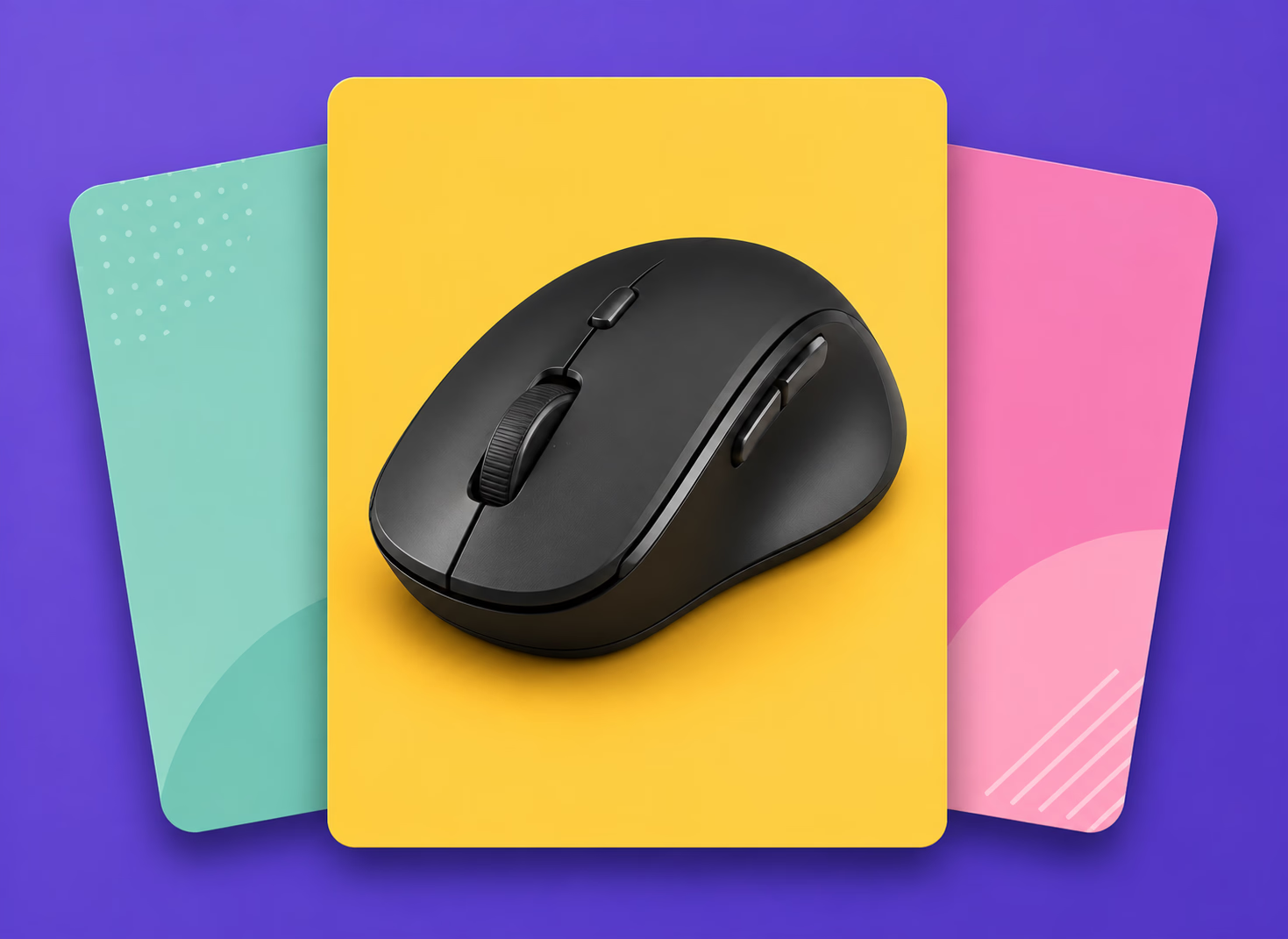
Test all mouse buttons, scroll wheel, and cursor tracking with visual feedback
12+ free browser-based tools to check your keyboard, mouse, microphone, speakers and webcam, with no downloads and no sign-up.
Test every key on a visual layout, check multi-key detection, and measure your spacebar speed.
Check buttons, scroll wheel, double-click behavior, drag clicks, polling rate, click speed (CPS) and cursor accuracy.
Test your microphone with a live waveform, check left and right speaker channels, and verify webcam resolution and frame rate.
Count words, characters and sentences instantly with the free online word counter. (Swap "sentences" for whatever your word counter actually reports.)
A little vocabulary makes the results a lot easier to read.
Most keyboards read their keys in a grid, and that grid has limits. Press three keys that share the same rows and columns internally, and the keyboard can misread a fourth, phantom key press you never made — that’s ghosting. N-key rollover (NKRO) describes a keyboard’s ability to register many simultaneous presses accurately, while cheaper boards may only manage 2-key or 6-key rollover.
The keyboard test makes this visible instead of theoretical: hold a combination, watch which keys light up on the on-screen layout, and see immediately whether your board handled it cleanly.
Key chatter happens when a single, deliberate press registers as two or more inputs because the switch’s internal contact bounces instead of closing cleanly. It’s common as switches age, and it shows up on mice too — an accidental “double click” from one press is one of the most common reasons a mouse gets replaced.
Running a rapid, repeated test on a single key or button is the fastest way to catch chatter before it becomes a pattern you’ve quietly learned to work around.
Clicks-per-second reflects a mix of things: your mouse’s debounce time, your muscle memory, and how consistent your rhythm stays over a longer round versus a short burst. A five-second score and a thirty-second endurance score can look very different, which is why testing across multiple durations paints a fuller picture than one number ever could.
Alongside click speed, tracking smoothness matters just as much — a cursor that stutters during slow, deliberate movement usually points to a sensor or surface problem, not your hand.
Verify rollover, chatter, and click response before ranked play.
Catch a sticky or unresponsive key before it eats letters from your work.
Confirm your mic, webcam, and speakers deliver what you think before you're live.
Check every key, button, and sensor before you buy, so you don't get stuck with a faulty device.
Diagnose faulty keyboards, mice, mics, and webcams in seconds, with no software to install.
Make sure your mic, camera, and speakers work before an exam, class, or video interview.
Yes. Every tool is free to use, with no sign-up and no paywall on results.
No. All tests run directly in your browser, so there is nothing to download. For the webcam and microphone tests, you’ll need to allow camera and microphone access when your browser asks. If you missed the prompt, you can change these permissions here: https://support.google.com/chrome/answer/2693767
No. Your audio and video stay on your device and are processed locally in your browser using the standard getUserMedia API (https://developer.mozilla.org/en-US/docs/Web/API/MediaDevices/getUserMedia). Nothing is sent to or stored on our servers, and you can revoke access at any time in your browser settings.
Casual clicking lands around 4–7 clicks per second; trained techniques can push past 10. Consistency across rounds matters more than one high burst.
Yes — as long as your OS recognizes the device, the browser sees it the same way it sees a wired one.
Pick any tool above and get a clear answer about your hardware in under a minute — completely free, every time.